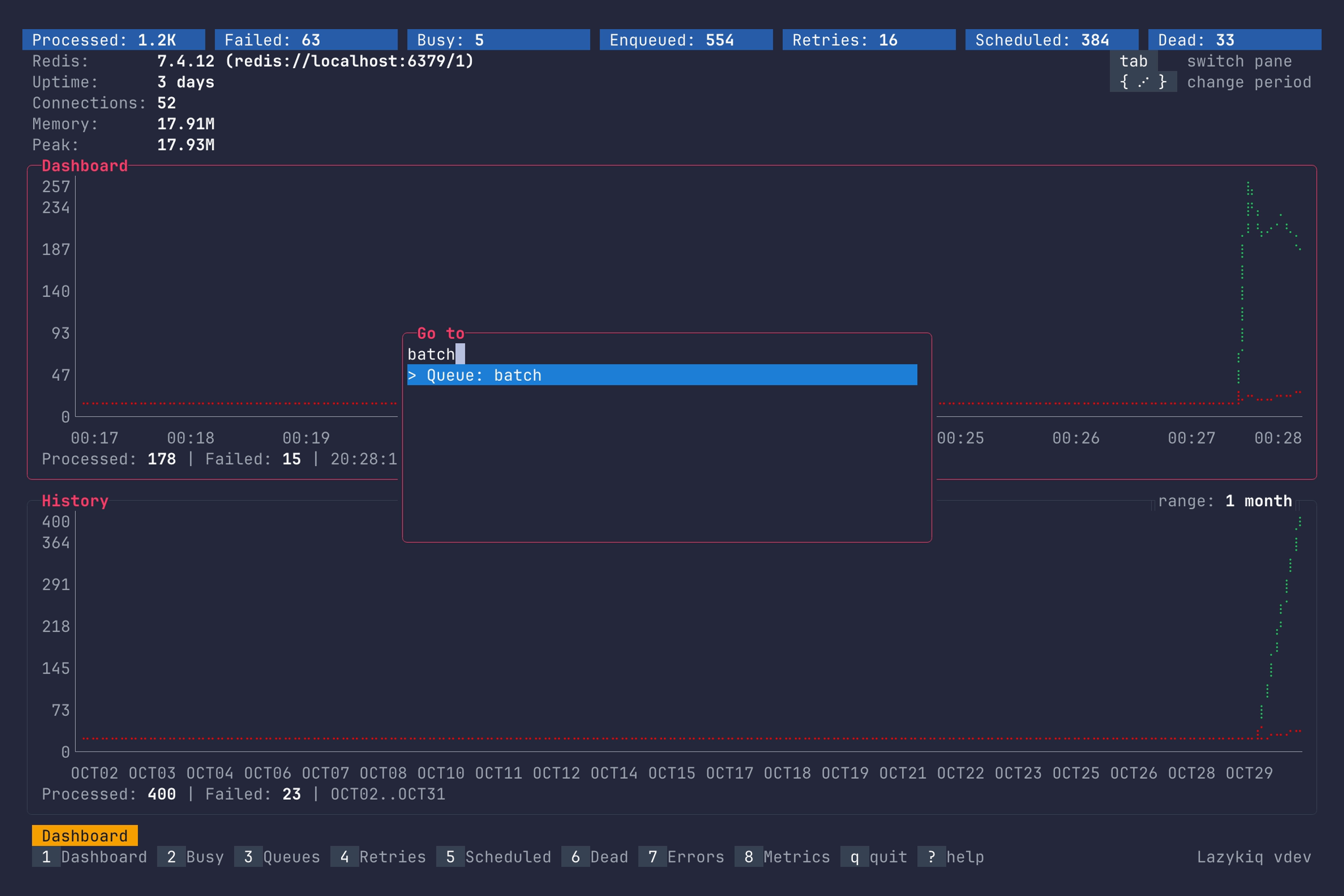
Title here
Summary here
Lazykiq helps you monitor Sidekiq from the terminal with fast navigation and clear summaries.
| Key | Description |
|---|---|
1–8 | Switch views (Dashboard, Busy, Queues, Retries, Scheduled, Dead, Errors, Metrics). |
9 | Open Periodic (requires --enable=ent). |
Ctrl+T | Open the navigation palette. Type to search (case-insensitive substring); Up/Down selects and scrolls, Enter opens, Esc cancels. |
? | Toggle the help dialog. |
q / Ctrl+C | Quit. |
Esc | Go back from stacked views (job details, queue list, job metrics). |
F12 / ~ | Toggle dev console (requires --development). |
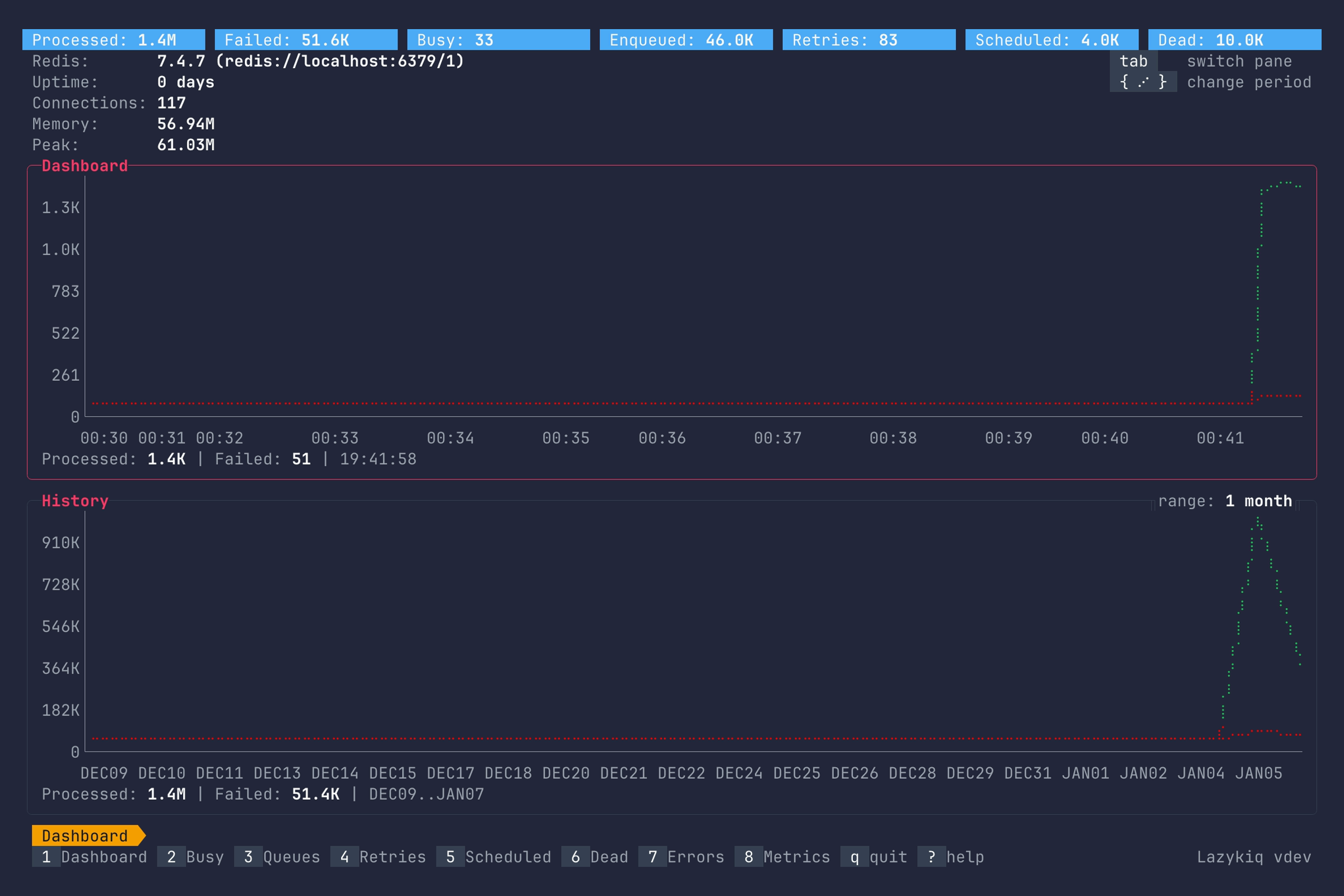
Press Ctrl+T and type to find a destination. Use Up/Down to select, Enter to
open it, or Esc to return to your current screen.
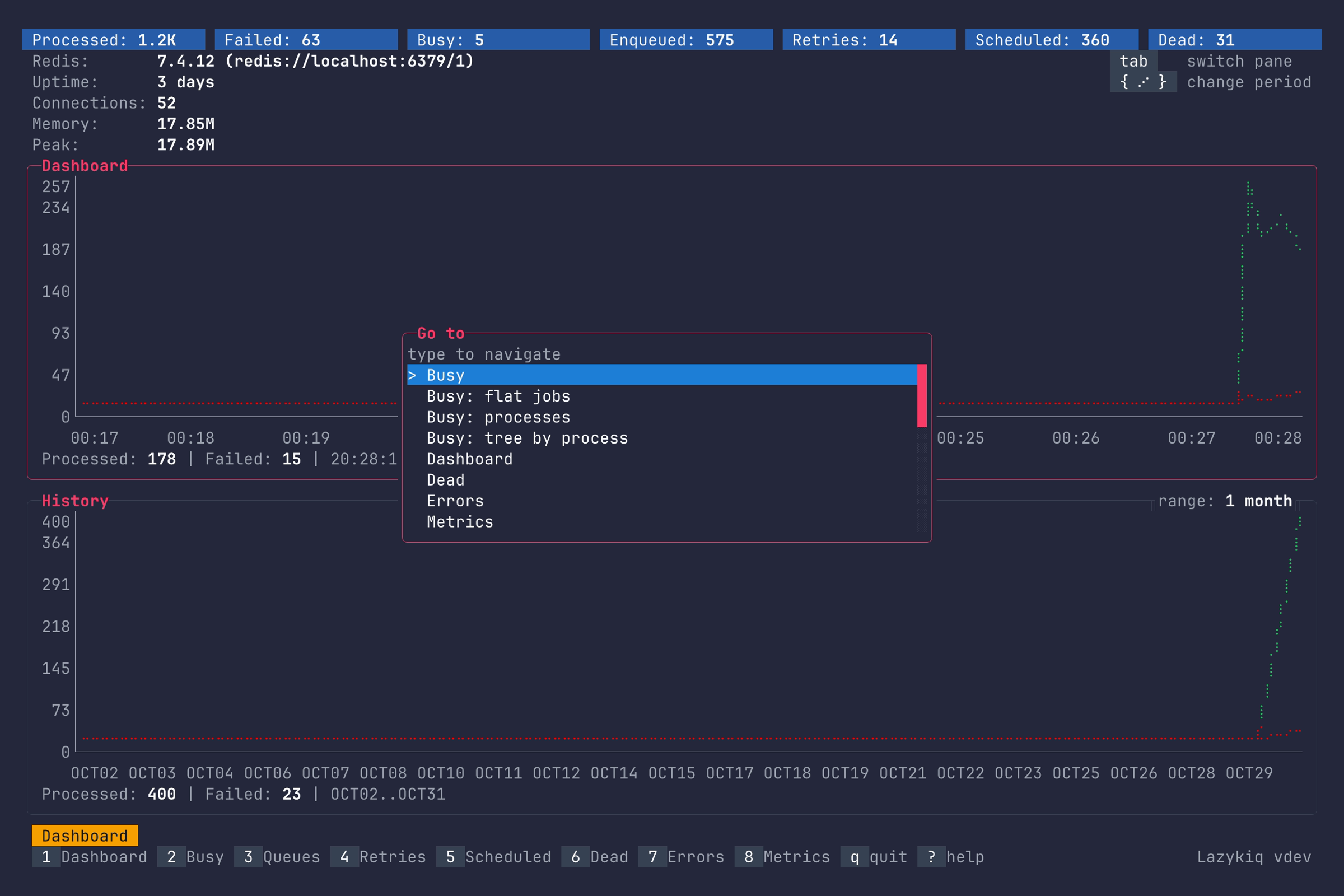
The navigation palette includes every enabled main screen, Busy flat/tree layouts, the Processes list, and the queue list. It shows eight matches when at least five terminal rows can remain above and below the popup, otherwise five matches, with fewer on very short terminals. Existing dialogs and focused inputs retain their keys.
Each palette opening fetches queue names in the background. Select a Queue: name
entry to open that queue directly. Queues opens the queue list; Queue jobs
opens the queue jobs screen. Names stay fixed until the palette is reopened.