Title here
Summary here
The dashboard provides a quick health check of your Sidekiq system. It shows throughput, failures, and queue depth over time.
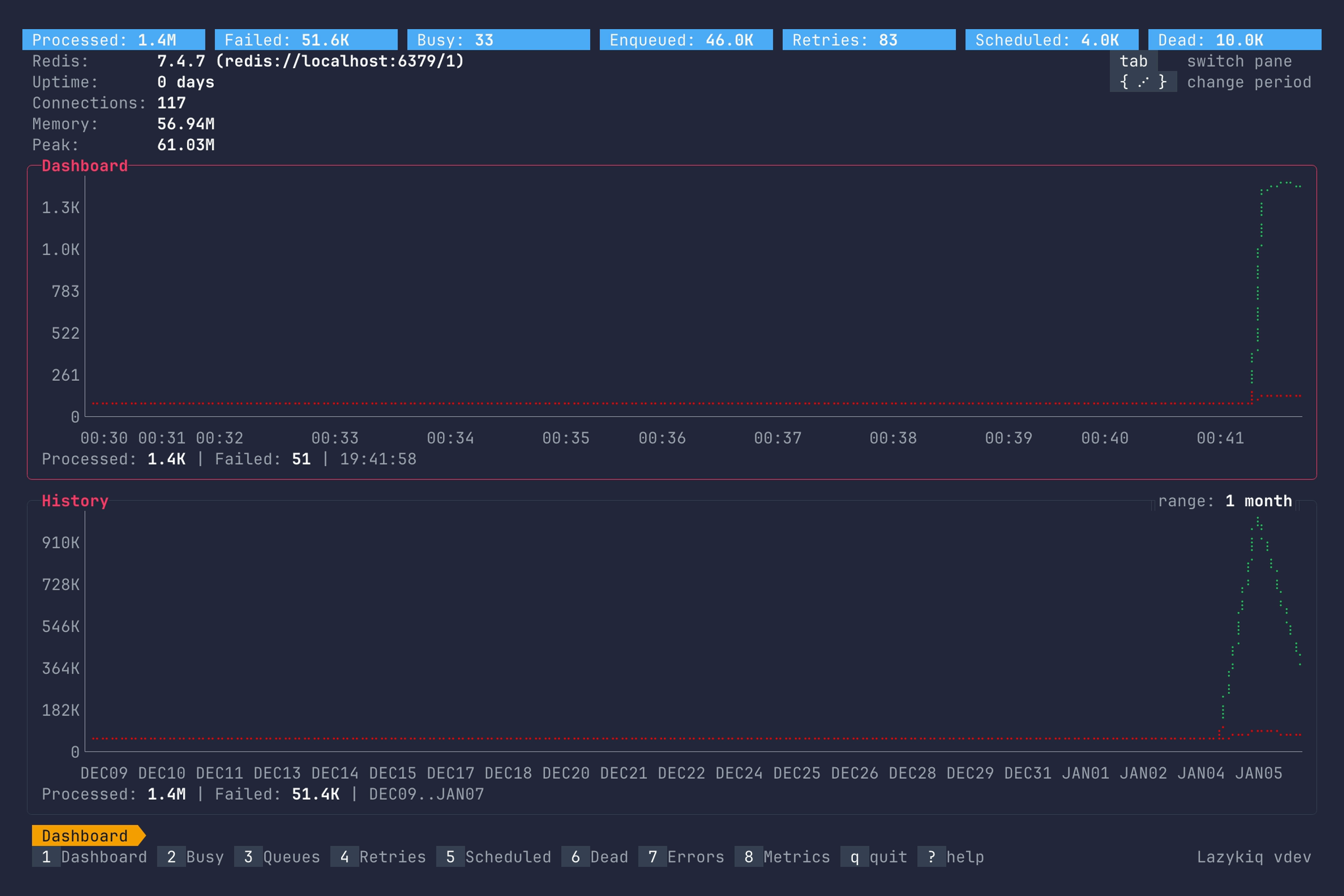
Key bindings:
| Key | Description |
|---|---|
1 | Go to Dashboard. |
Tab | Switch between realtime and history panes. |
{ / } | Change time interval or historical range. |
q | Quit. |