Title here
Summary here
Errors group failures by exception so you can spot the biggest problems fast.
The summary is an exact snapshot that refreshes on entry, on filter changes,
when you press r, and at most once per minute while the screen stays active.
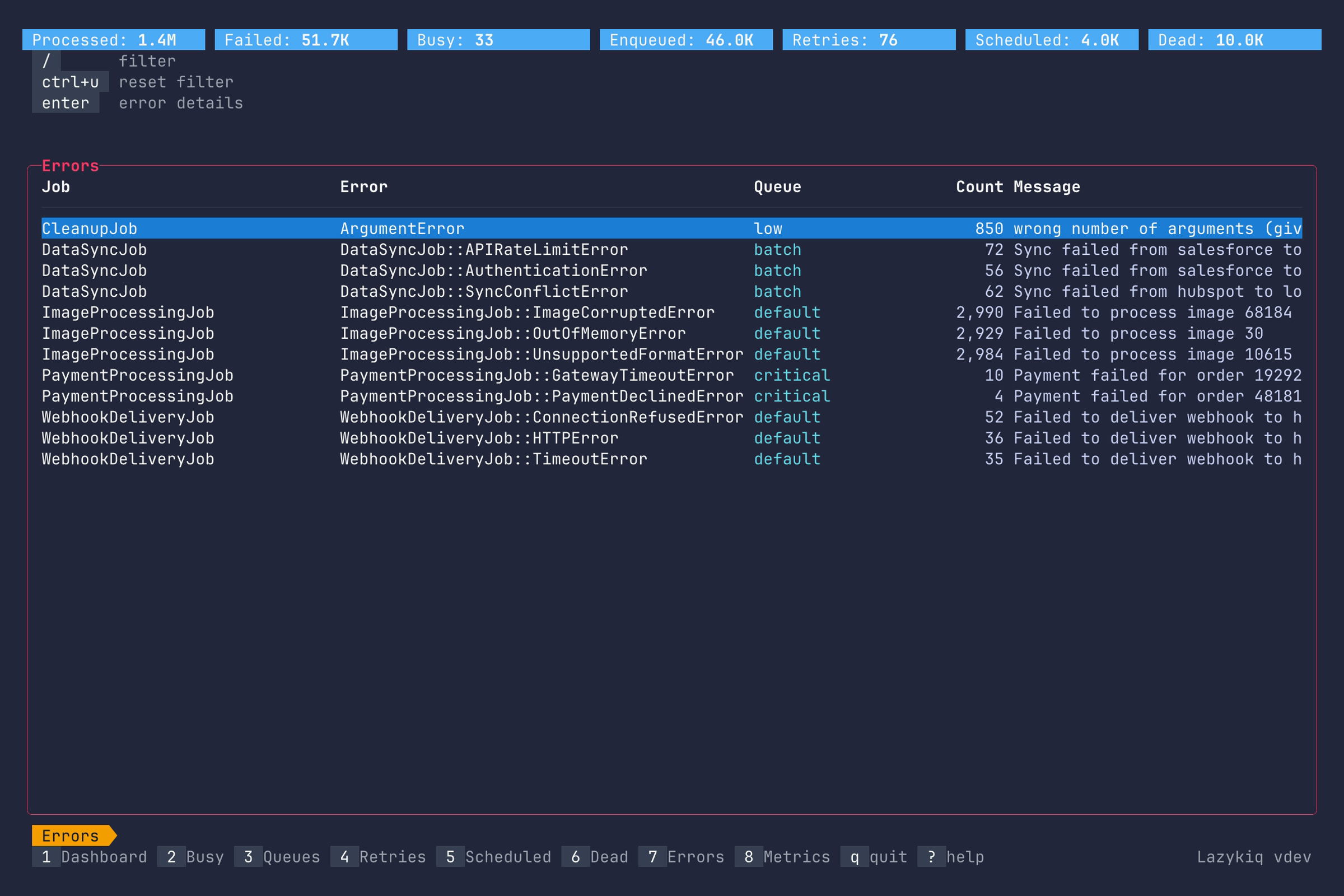
Key bindings:
| Key | Description |
|---|---|
7 | Go to Errors. |
Up / k | Move up one row. |
Down / j | Move down one row. |
Enter | Open error details. |
/ | Filter errors by substring. |
Ctrl+u | Clear filter. |
r | Refresh the snapshot now. |
q | Quit. |
Drill into a specific error to see its payload and exact occurrences across dead and retry sets.
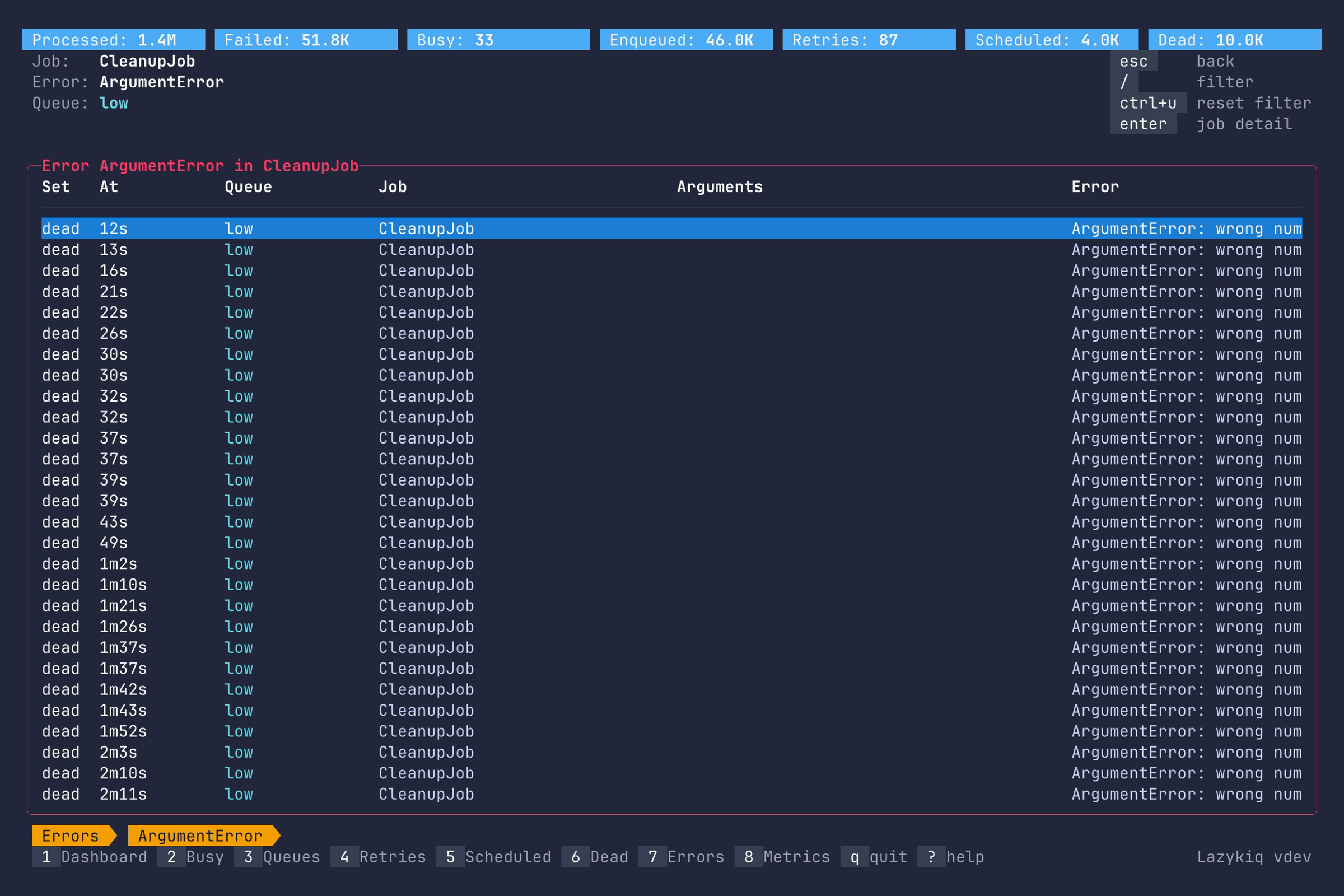
Key bindings:
| Key | Description |
|---|---|
Up / k | Move up one row. |
Down / j | Move down one row. |
[ / ] | Page up or down. |
Enter | Show job details. |
/ | Filter errors by substring. |
Ctrl+u | Clear filter. |
c | Copy job JID. |
Esc | Back to Errors summary view. |
q | Quit. |
Shows detailed information about a failing job.
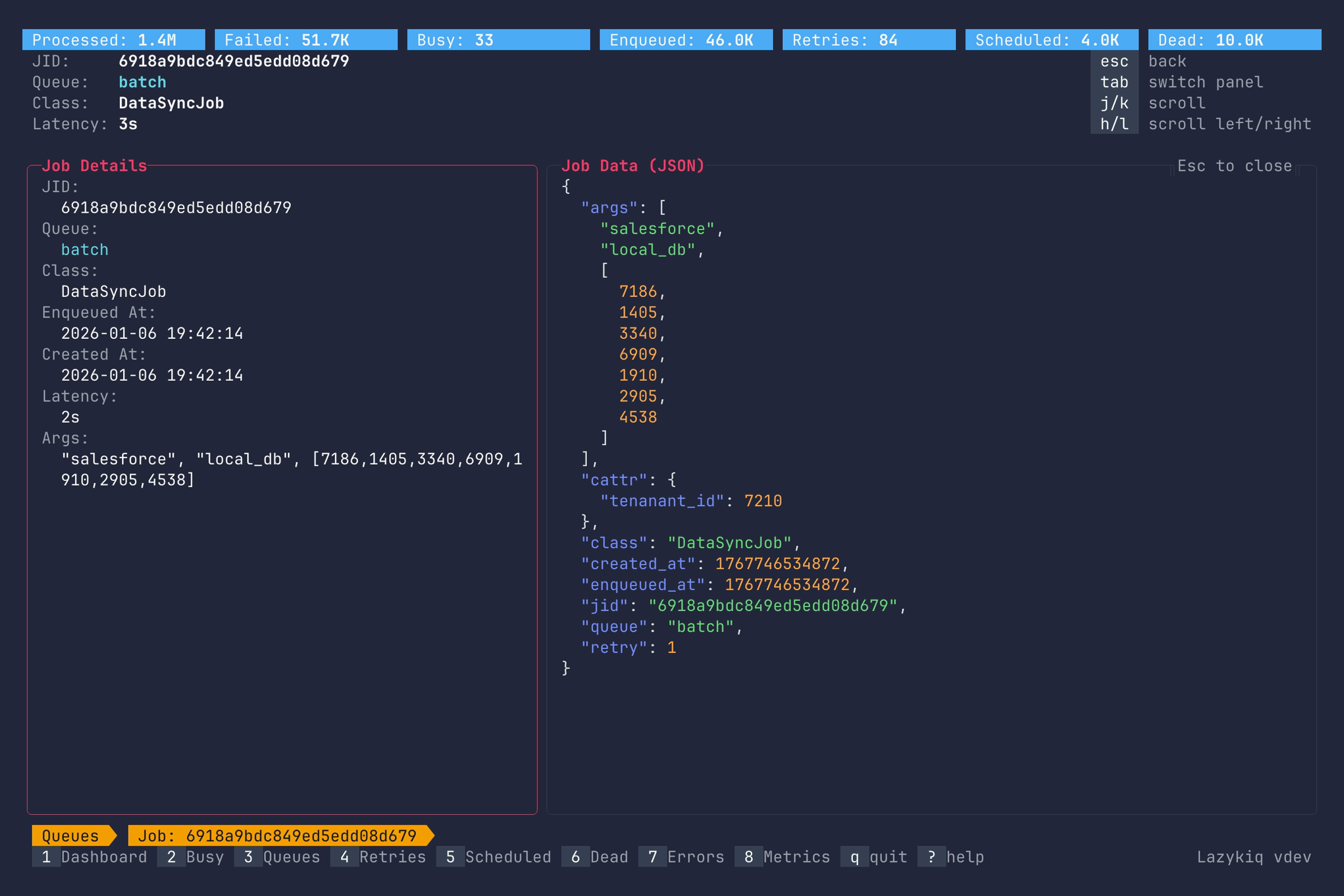
Key bindings:
| Key | Description |
|---|---|
Up / k | Scroll up. |
Down / j | Scroll down. |
Left / h | Scroll left. |
Right / l | Scroll right. |
g / G | Jump to top or bottom. |
Home / 0 | Scroll to the first column. |
End / $ | Scroll to the last column. |
Tab | Switch between job details panel and job data. |
c | Copy job JSON. |
Esc | Back to Error details view. |
q | Quit. |