Title here
Summary here
Queues show the backlog waiting to be processed, with per-queue counts.
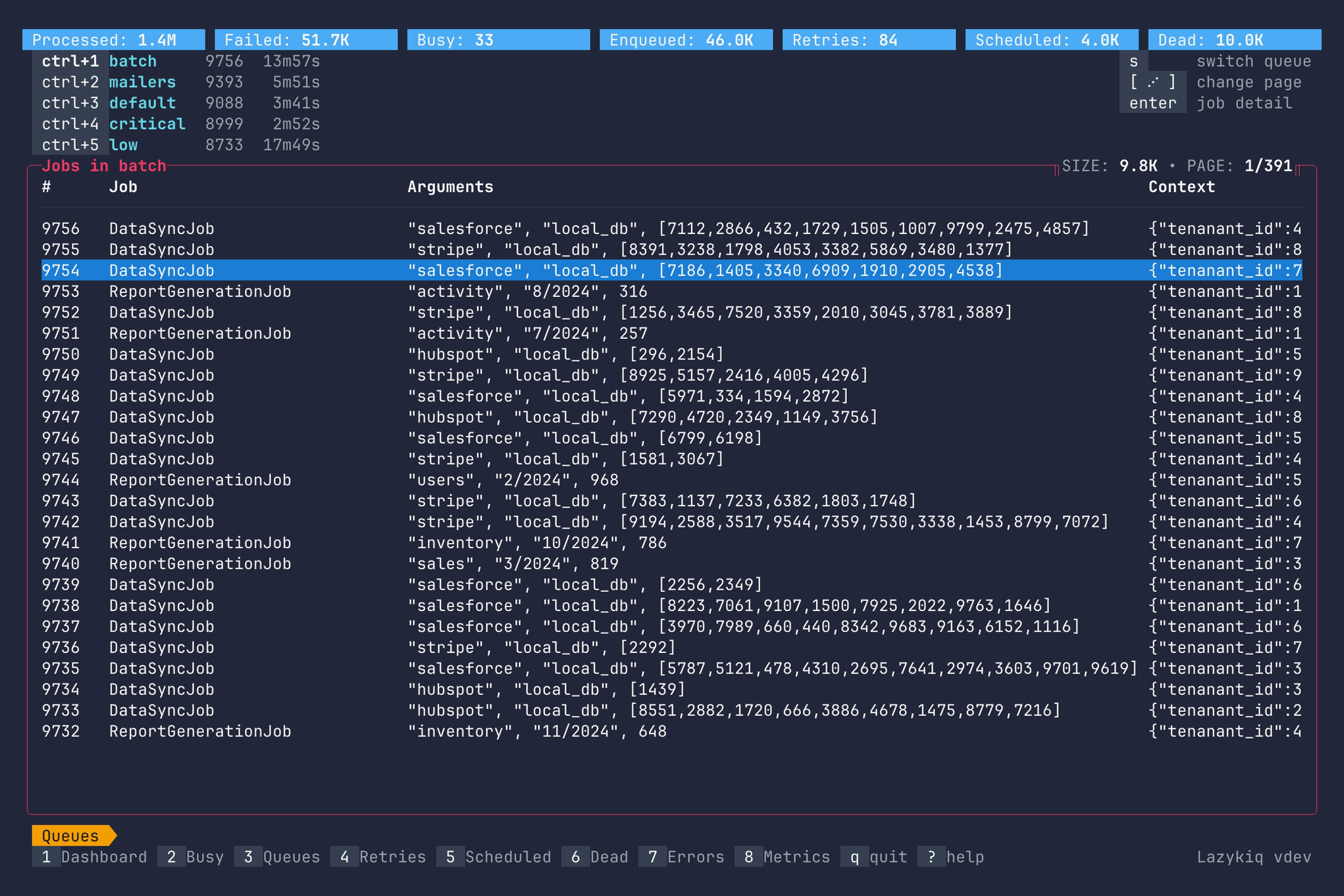
Key bindings:
| Key | Description |
|---|---|
3 | Go to Queues. |
Up / k | Move up one row. |
Down / j | Move down one row. |
/ | Filter jobs in the selected queue by payload substring. |
Ctrl+u | Clear the active job filter. |
Enter | Show job details. |
c | Copy job JID. |
Ctrl+1–Ctrl+5 | Select queue. |
[ / ] | Page up or down (also Alt+Left / Alt+Right). |
g / G | Jump to start or end. |
s | Open queue list. |
q | Quit. |
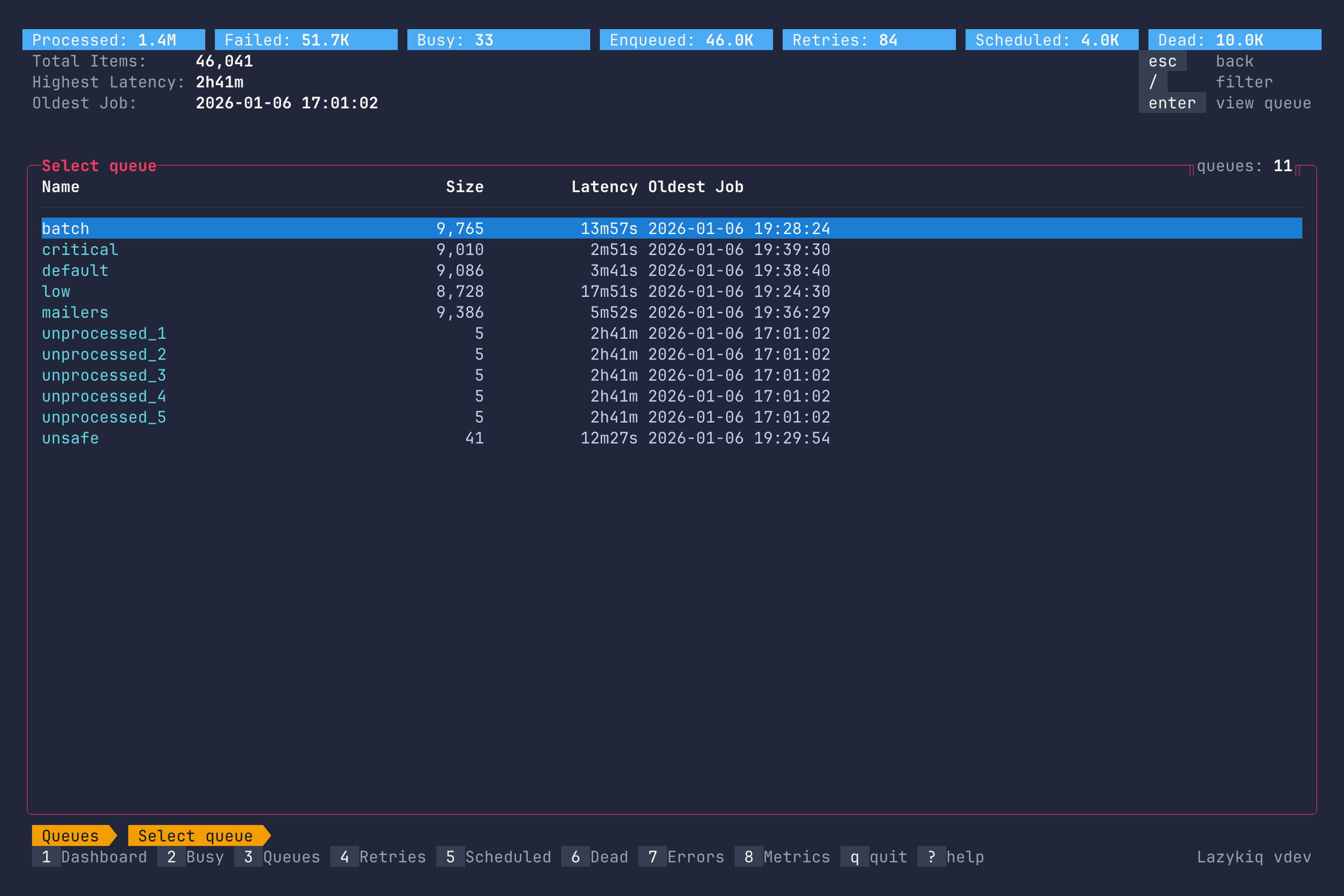
Key bindings:
| Key | Description |
|---|---|
Up / k | Move up one row. |
Down / j | Move down one row. |
/ | Filter queues by substring. |
Enter | Show jobs in the queue. |
d | Delete queue (requires --danger). |
Esc | Back to Queue details view. |
q | Quit. |
Shows detailed information about a queued job.
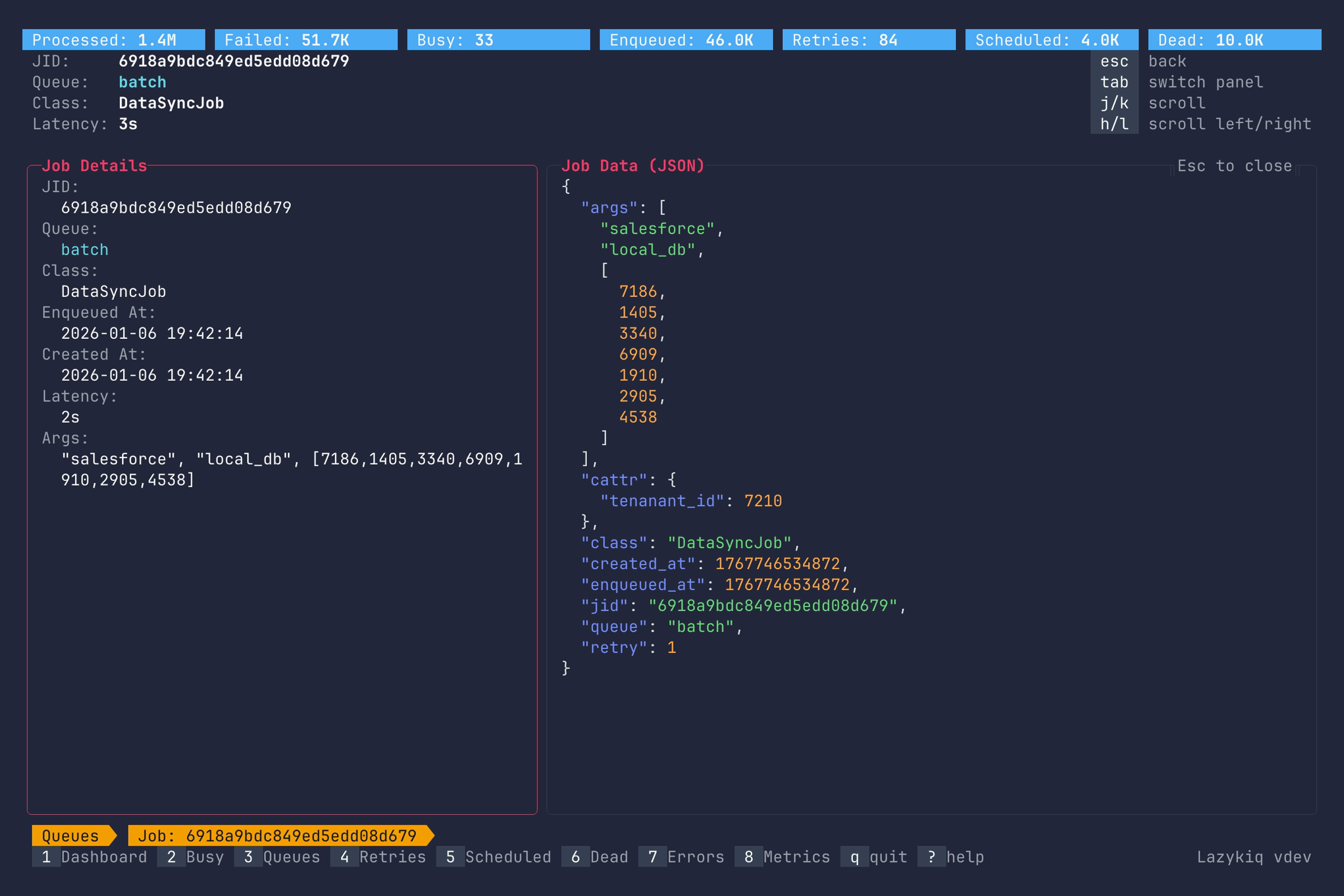
Key bindings:
| Key | Description |
|---|---|
Up / k | Scroll up. |
Down / j | Scroll down. |
Left / h | Scroll left. |
Right / l | Scroll right. |
g / G | Jump to top or bottom. |
Home / 0 | Scroll to the first column. |
End / $ | Scroll to the last column. |
Tab | Switch between job details panel and job data. |
c | Copy job JSON. |
Esc | Back to Queue details view. |
q | Quit. |