Title here
Summary here
Retries list jobs that failed and will be retried by Sidekiq.
Filtering runs in the background with an animated Searching... status while
previous results remain available. Use Ctrl+u to cancel and clear the filter,
/ to replace it, or switch screens to stop the scan. The count and ordered
results appear after the full scan finishes.

Key bindings:
| Key | Description |
|---|---|
4 | Go to Retries. |
Up / k | Move up one row. |
Down / j | Move down one row. |
Enter | Show job details. |
c | Copy job JID. |
/ | Filter jobs by substring. |
Ctrl+u | Clear filter. |
[ / ] | Page up or down (also Alt+Left / Alt+Right). |
g / G | Jump to start or end. |
D | Delete job (requires --danger). |
K | Kill job (move to dead, requires --danger). |
R | Retry job now (requires --danger). |
Ctrl+D | Delete all retries (requires --danger). |
Ctrl+K | Kill all retries (requires --danger). |
Ctrl+R | Retry all retries now (requires --danger). |
q | Quit. |
Shows detailed information about a retrying job.
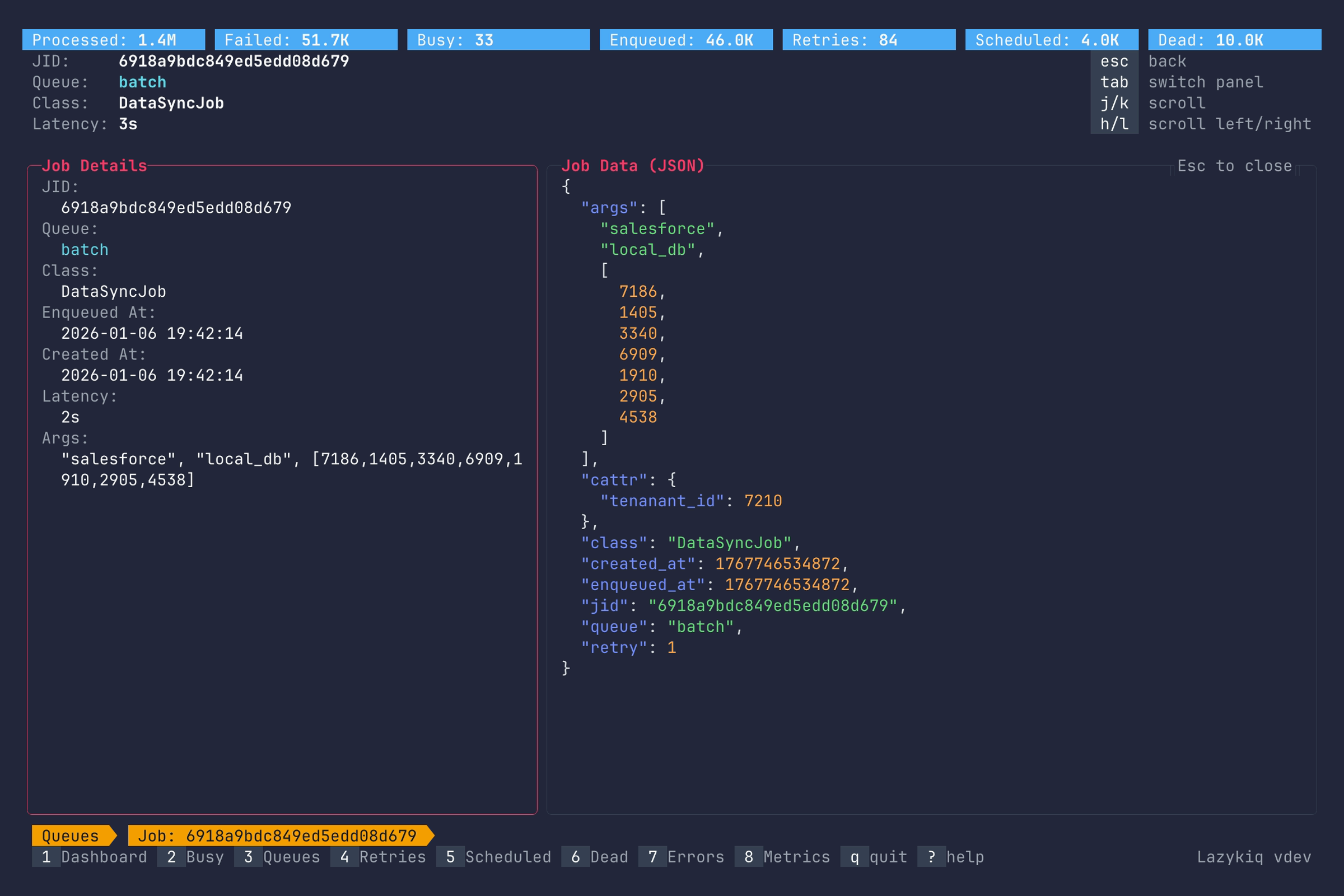
Key bindings:
| Key | Description |
|---|---|
Up / k | Scroll up. |
Down / j | Scroll down. |
Left / h | Scroll left. |
Right / l | Scroll right. |
g / G | Jump to top or bottom. |
Home / 0 | Scroll to the first column. |
End / $ | Scroll to the last column. |
Tab | Switch between job details panel and job data. |
c | Copy job JSON. |
Esc | Back to Retries view. |
q | Quit. |